
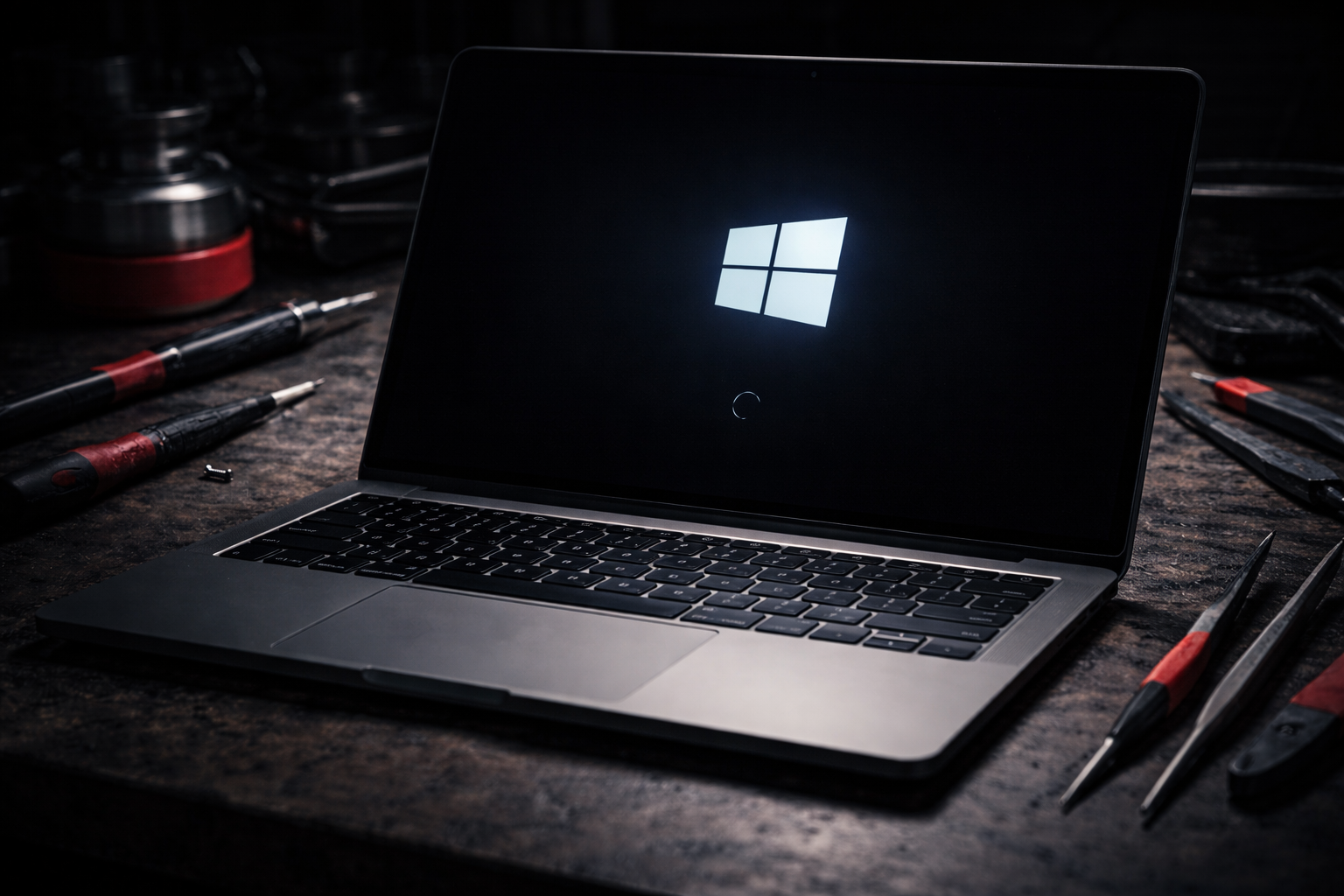
Laptop Stuck on Boot Screen? What You Can Try at Home Before Paying for Repair
PUBLISHED
April 14, 2026
LAST UPDATED: Aug 25, 2026
Written by FoneWorld UK Editorial Team
Device repair experts with 10+ years of experience across 16 UK locations
LAPTOP STUCK ON THE BOOT SCREEN? HERE’S WHAT YOU CAN SAFELY TRY AT HOME BEFORE YOU SPEND MONEY ON A REPAIR.
A laptop that gets stuck on the boot screen can feel completely dead even when it still powers on. The logo appears, the fan may spin, but Windows never loads properly and you are left waiting with nothing happening.
The good news is that some startup issues can be resolved at home without opening the laptop. The key is to work through the safe fixes first and avoid random steps that can make the problem harder to diagnose.
Still stuck after trying the safe fixes?
01. WHY A LAPTOP GETS STUCK ON THE BOOT SCREEN
A laptop boot problem usually means the system starts but cannot complete the startup process. That can happen because of corrupted startup files, a failed update, driver issues, external device conflicts, storage problems, or in some cases internal hardware faults.
Interrupted Windows update
Corrupted startup files
Faulty USB device or accessory conflict
Storage or hardware fault
NOT EVERY BOOT SCREEN ISSUE MEANS THE LAPTOP IS DEAD. MANY STARTUP FAILURES BEGIN AS SOFTWARE OR POWER-RELATED PROBLEMS.
02. FIRST STEP: DISCONNECT EVERYTHING EXTERNAL
Before trying anything complicated, disconnect all external devices. A faulty USB drive, docking station, mouse, keyboard, SD card, or external hard drive can interfere with the boot process.
-
Remove USB devices
-
Disconnect HDMI or docking accessories
-
Remove memory cards if present
After disconnecting everything, restart the laptop and see if it moves past the boot screen normally.
03. TRY A FULL POWER RESET
A full power reset can clear temporary hardware or power-state glitches that stop the laptop from starting properly.
- 1 Shut the laptop down fully
- 2 Unplug the charger
- 3 If the battery is removable, remove it
- 4 Hold the power button for 15 to 20 seconds
- 5 Reconnect power and try booting again
THIS IS ONE OF THE SIMPLEST SAFE FIXES AND IT OFTEN WORKS BETTER THAN PEOPLE EXPECT.
04. CHECK IF THE LAPTOP CAN REACH ADVANCED STARTUP OPTIONS
If the laptop still hangs during startup, try getting into recovery or advanced startup options. This can help you run built-in repair tools without opening the device.
Startup Repair may fix boot files automatically
System Restore may reverse a recent bad change
Safe Mode may help if a driver or update caused the issue
Recovery tools help narrow down the real cause
IF YOUR LAPTOP CAN REACH RECOVERY TOOLS, THE ISSUE MAY STILL BE FIXABLE WITHOUT ON-THE-SPOT DEVICE CARE.
Can’t get past the logo or startup screen at all?
05. WHAT NOT TO DO WHEN YOUR LAPTOP WILL NOT BOOT
This is where many people turn a recoverable issue into a bigger one. Avoid random “fixes” that are not actually diagnosing the problem.
-
Do not keep force shutting it down again and again for no reason
-
Do not install shady repair software from random websites
-
Do not open the laptop unless you know exactly what you are doing
-
Do not rush into a full reset if important files are still on the device
At-home troubleshooting should reduce risk, not create more of it.
06. WHEN A BOOT ISSUE IS NO LONGER AN AT-HOME FIX
Sometimes the problem is deeper than Windows startup files. If the laptop recently suffered a drop, liquid exposure, overheating, or storage failure, home steps may not be enough.
-
The laptop freezes on the same screen every time
-
Recovery tools do not open or keep failing
-
You hear clicking sounds or see storage errors
-
The device overheats or powers off during startup
That is usually the point where a professional diagnostic saves time, protects your data, and prevents more expensive damage.
TRIED THE SAFE HOME FIXES AND IT STILL WILL NOT START? GET A PROPER DIAGNOSTIC BEFORE THE PROBLEM GETS WORSE.
ISSUE STILL PERSISTS? TAKE A SCREENSHOT OF THIS MESSAGE AND COME TO ANY NEARBY STORE (https://foneworlduk.co.uk/locations/) TO GET 10% DISCOUNT ON YOUR REPAIR! 😉
Industrial Security
All repairs monitored by level 4 security protocols. No data leakage guaranteed.
Certified Tech
Hardware authorization verified. Only OEM-grade components utilized in this mission.