
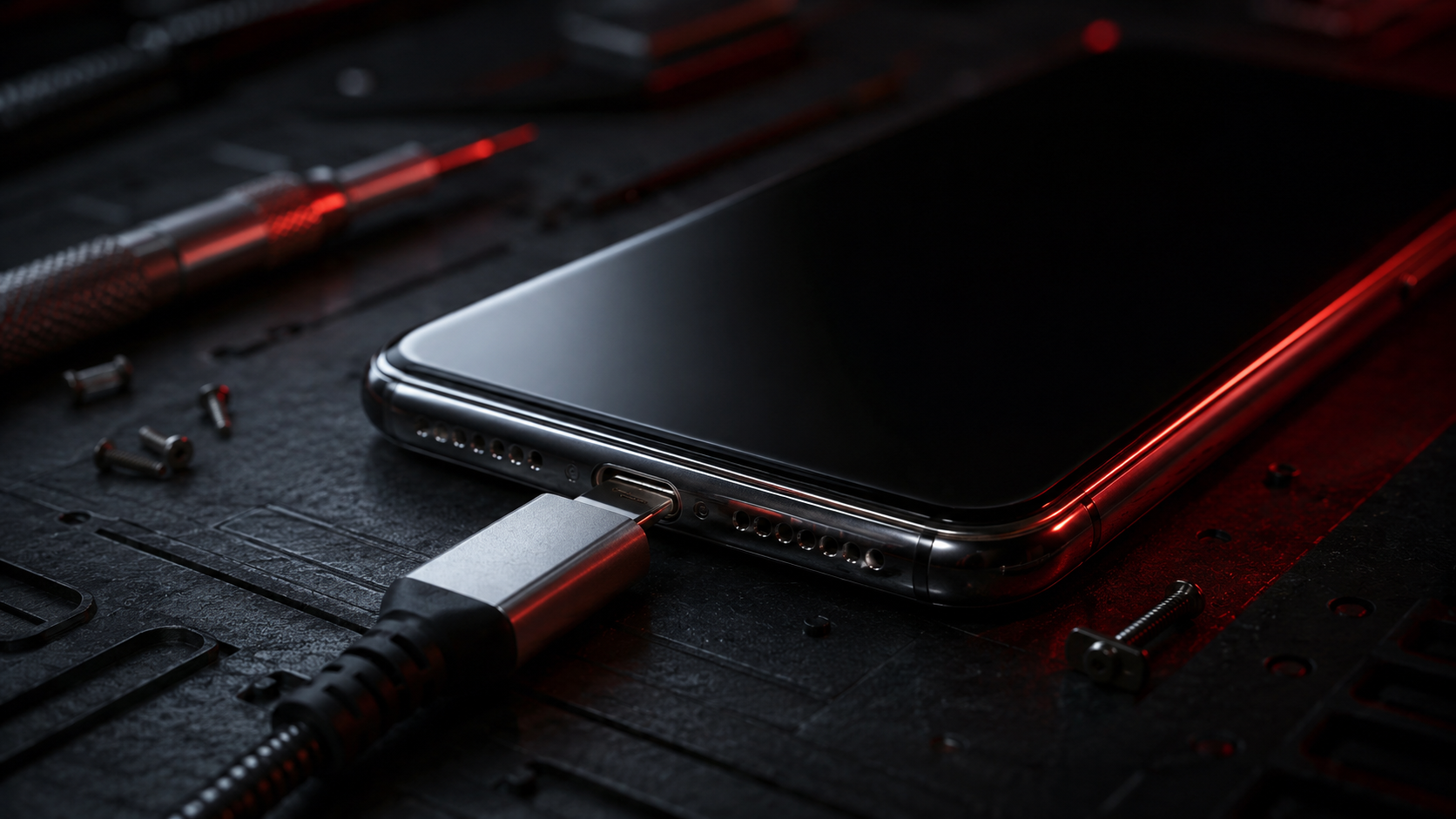
Phone Not Charging? Safe Fixes Before You Book Repair
PUBLISHED
May 10, 2026
LAST UPDATED: Aug 25, 2026
Written by FoneWorld UK Editorial Team
Device repair experts with 10+ years of experience across 16 UK locations
PHONE NOT CHARGING? TRY THE SAFE FIXES FIRST — BUT DO NOT FORCE THE CABLE.
If your phone is not charging properly, it can become a serious problem fast. A dead phone means no calls, no maps, no payments, no messages, and no access to important apps when you need them most.
Before booking a repair, there are a few safe checks you can try at home. But if the cable feels loose, the phone only charges at an angle, or multiple chargers fail, the issue may need a proper charging port diagnostic from FoneWorld UK.
Need a proper diagnostic instead of guessing? Start your repair with FoneWorld UK and avoid making the damage worse.
01. WHY YOUR PHONE MAY STOP CHARGING
A phone charging problem can come from the cable, plug, charging port, battery, software, or internal charging hardware. The main thing is to work out whether this is a simple accessory issue or something inside the phone.
The problem often starts small. Your phone may charge slowly, disconnect when moved, only charge on one cable, or need the charger to be held at a certain angle. These are warning signs that the charging connection is not stable.
Dust or lint inside the charging port
Damaged USB-C or Lightning cable
Loose charging port connection
Battery or charging board issue
If your phone only charges when the cable is pushed, bent, or held at an angle, stop forcing it. That can make charging port damage worse.
02. SAFE FIRST STEPS TO TRY BEFORE REPAIR
Start with simple checks before assuming the phone itself is faulty. These steps are safe and do not require opening the device.
- 1 Try a different charging cable
- 2 Try a different wall plug
- 3 Use a different socket
- 4 Restart your phone
- 5 Remove the phone case and try again
If a new cable solves the problem, your original cable may be damaged. If every cable fails or the charging keeps cutting in and out, the problem is more likely with the charging port or internal charging hardware.
Quick test: if the charger feels loose inside the port, do not keep twisting it to make it work.
03. CHECK THE CHARGING PORT CAREFULLY
Pocket lint is one of the most common reasons a phone cable will not sit properly. It can build up inside the charging port and stop the connector from going fully in. This can make the phone look broken when the port is actually blocked.
Turn the phone off and inspect the port with a light. If you see visible dust or lint, clean it gently using a soft, dry, non-metal tool. Do not use liquid cleaner, metal pins, knives, or anything sharp.
If the dirt does not come out easily, stop. Forcing tools into the charging port can damage the pins and turn a simple clean into a repair.
04. ADDITIONAL HOME TROUBLESHOOTING
If the phone still will not charge after basic checks, look for signs that the issue is not just the charger. These extra checks can help you decide whether to keep troubleshooting or book a diagnostic.
-
Check whether the phone gets unusually hot while charging
-
Look for moisture or debris around the port
-
Update the phone software if the issue started recently
-
Test wireless charging if your phone supports it
If wireless charging works but cable charging does not, the fault is likely linked to the charging port, charging flex, or internal connection. That is when phone charging port repair becomes more realistic than repeated home fixes.
Still unsure whether it is the cable, port, battery, or charging board? Get support before your phone completely dies.
05. WHAT NOT TO DO
A charging problem can get worse quickly if you try to force the phone to charge. The goal is to protect the charging port, battery, and internal board from extra damage.
-
Do not bend the cable to keep the phone charging
-
Do not push the charger in harder
-
Do not use metal pins inside the port
-
Do not spray cleaner into the charging port
-
Do not keep using damaged or cheap chargers
If the issue has gone beyond normal charging behaviour, do not wait until the battery fully dies. Get the fault checked before it becomes more inconvenient.
06. WHEN IT IS NO LONGER AN AT-HOME FIX
The issue is no longer practical to handle at home when the phone refuses to charge with multiple cables, charges only at a certain angle, keeps disconnecting, or shows signs of heat, moisture, or port damage.
At that point, you need a proper diagnostic. FoneWorld UK can inspect the charging port, check the cable connection, assess battery behaviour, and help identify whether the phone needs cleaning, charging port repair, or another device solution.
Phone not charging at all
Charger only works at an angle
Charging port feels loose
Phone dies even while plugged in
The safest move is to stop guessing and start the repair process before the phone becomes unusable.
07. BOOK PHONE CHARGING REPAIR WITH FONEWORLD UK
A charging issue is not something to ignore. If your phone will not charge properly, every percentage of battery matters. Waiting too long can leave you without access to calls, travel apps, bank apps, work messages, and important data.
FoneWorld UK helps customers with charging issues, loose charging ports, faulty cables, battery faults, and charging diagnostics. If the safe home fixes do not work, book your repair and let a technician check the real cause instead of forcing the cable and hoping it lasts.
PHONE DEAD? FIX IT BEFORE IT GETS WORSE.
ISSUE STILL PERSISTS? TAKE A SCREENSHOT OF THIS MESSAGE AND COME TO ANY NEARBY STORE TO GET AN EXCLUSIVE 10% DISCOUNT ON YOUR REPAIR! 😉
Industrial Security
All repairs monitored by level 4 security protocols. No data leakage guaranteed.
Certified Tech
Hardware authorization verified. Only OEM-grade components utilized in this mission.