
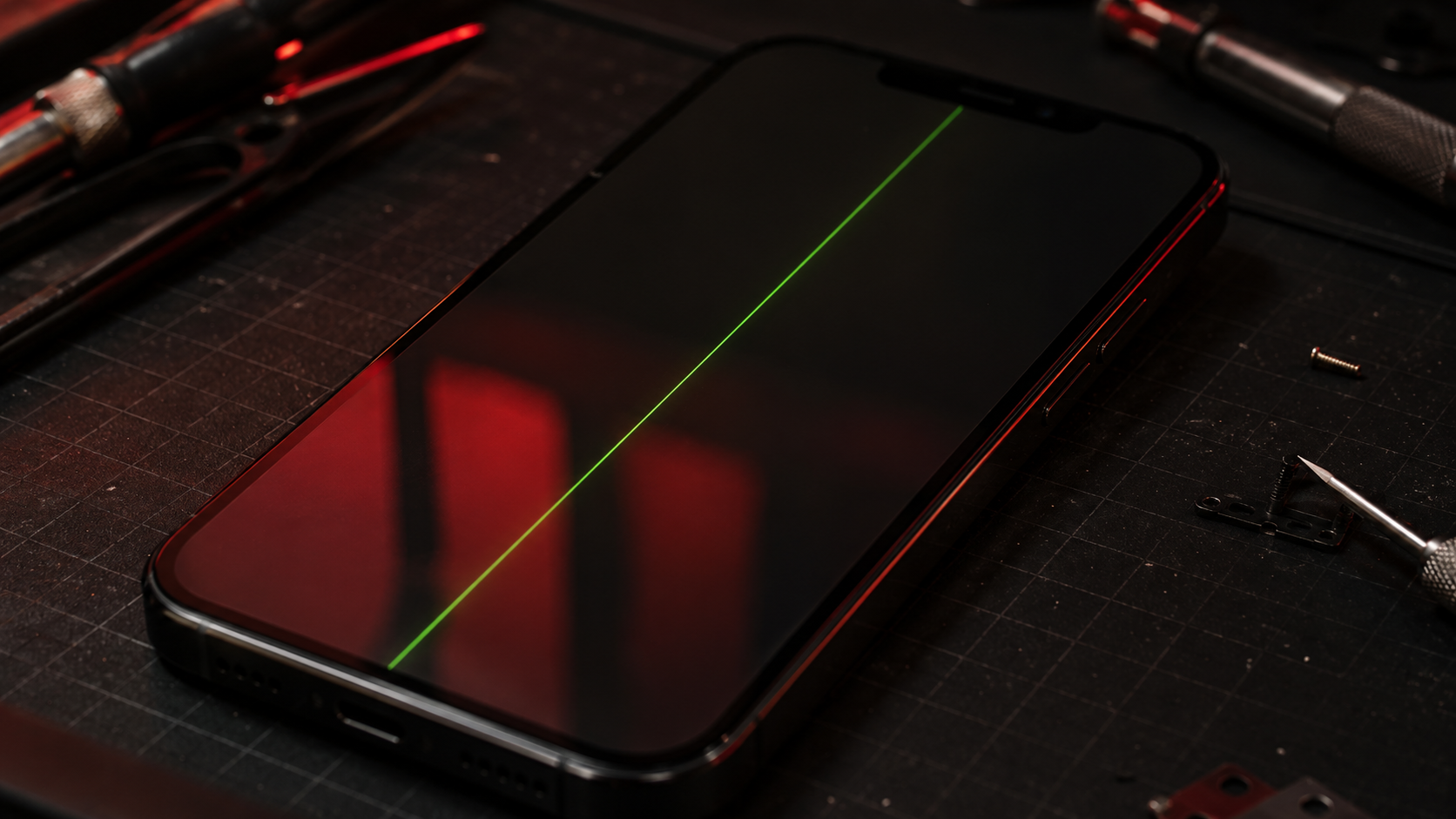
iPhone Screen Has Green Lines? Safe Fixes Before Replacement
PUBLISHED
May 16, 2026
LAST UPDATED: Aug 25, 2026
Written by FoneWorld UK Editorial Team
Device repair experts with 10+ years of experience across 16 UK locations
IPHONE SCREEN SHOWING GREEN LINES? TRY SAFE CHECKS FIRST — BUT DO NOT IGNORE DISPLAY DAMAGE.
If your iPhone screen has green lines, flickering colours, vertical bars, black patches, or random display glitches, the problem may be more serious than a simple software issue. Green lines often appear after a drop, pressure damage, liquid exposure, screen failure, or internal display connection problems.
Some display problems can be checked safely at home before booking repair. But if the lines stay on the screen, spread over time, appear after impact, or come with touch issues, the screen may need proper diagnostic work or replacement.
Need your iPhone display checked properly? Start your repair with FoneWorld UK before the screen gets worse.
START REPAIR01. WHY GREEN LINES APPEAR ON AN IPHONE SCREEN
Green lines usually mean the display signal is not being shown correctly. This can happen because of screen panel damage, a loose or stressed display connector, impact damage, liquid damage, or a failing OLED/LCD layer.
If the green line appeared after a drop, pressure in a pocket or bag, water exposure, or a previous screen repair, the issue is more likely physical rather than software-related. A restart might hide it briefly, but it usually returns if the display hardware is damaged.
If the green line appeared after a drop or pressure damage, do not keep pressing the screen. Extra pressure can make the display fault spread.
02. SAFE FIRST STEPS TO TRY AT HOME
Before booking a screen replacement, try a few safe checks. These steps will not repair a physically damaged display, but they can help rule out temporary software glitches or display setting issues.
- 1 Restart the iPhone
- 2 Remove the case and screen protector
- 3 Check if the line appears on every screen
- 4 Update iOS if the phone is usable
- 5 Back up your data while the screen still works
If the green line disappears after a restart and does not return, it may have been a temporary glitch. If it comes back, stays permanently, flickers, or appears with touch problems, the display likely needs repair attention.
Quick check: if the line appears even on the Apple logo screen, lock screen, camera, and home screen, it is usually not just one app causing it.
03. CHECK WHETHER THE SCREEN IS PHYSICALLY DAMAGED
Look closely at the glass and edges of the iPhone. Even a small crack, lifted corner, dented frame, or pressure mark can affect the display layer underneath. Green lines can appear even when the outer glass looks mostly fine.
If the frame is bent, the screen is lifting, or the display has black marks, flickering, ghost touch, or colour bleeding, the issue is more likely hardware-related. In that case, repeated restarts and updates will not solve the root cause.
Physical display damage needs inspection. Do not press the screen flat, apply heat, or try to push the line away with pressure.
04. ADDITIONAL PRACTICAL HOME TROUBLESHOOTING
If the screen still works well enough to use, take a few practical steps before repair. This can help protect your data and reduce the risk of losing access if the display gets worse.
- Back up your iPhone to iCloud or a computer
- Reduce screen brightness if flickering gets worse
- Avoid heavy gaming or video recording until checked
- Keep the phone dry and away from pressure
If the green line gets brighter, multiplies, changes colour, or appears with unresponsive touch, book a diagnostic instead of waiting. Display faults can move from annoying to unusable quickly.
Still unsure whether it is a software glitch or screen damage? Get support before the display fails completely.
GET SUPPORT05. WHAT NOT TO DO
A green line on an iPhone screen is not something to attack with pressure, heat, or DIY tricks. Bad fixes can make the screen worse, damage the frame, or make the phone harder to repair cleanly.
- Do not press hard on the green line
- Do not heat the screen with a hairdryer
- Do not bend the phone to test the display
- Do not ignore spreading lines or black patches
- Do not open the phone without proper repair tools
If the line is permanent, spreading, or linked to impact damage, it is no longer a normal screen glitch. Get it inspected before the display becomes unusable.
06. WHEN IT IS NO LONGER AN AT-HOME FIX
The issue is no longer practical to fix at home when the green line stays after restart, appears after a drop, spreads across the screen, comes with flickering, or affects touch response. These signs usually point toward screen hardware failure.
You should book a screen diagnostic or replacement if the display has green lines, white lines, black marks, colour bleeding, ghost touch, dead touch areas, or visible cracks. These issues can block normal use and make it harder to access your phone later.
At this stage, guessing will not fix the display. A proper iPhone screen repair can restore normal viewing, improve touch reliability, and help you use the phone without fighting the screen every few minutes.
07. BOOK IPHONE SCREEN REPAIR WITH FONEWORLD UK
A green line may look small at first, but it can become a major screen problem if it spreads or starts affecting touch. If the display is unreliable, you risk losing easy access to calls, banking apps, maps, messages, work tools, and photos.
FoneWorld UK can help inspect iPhone screen faults, green lines, flickering, touch issues, cracked displays, and impact-related screen damage. If the safe checks do not work, book your repair and get the display handled properly.
GREEN LINE STILL THERE? STOP WAITING. FIX THE SCREEN.
START YOUR REPAIR NOWISSUE STILL PERSISTS? TAKE A SCREENSHOT OF THIS MESSAGE AND COME TO ANY NEARBY STORE TO GET AN EXCLUSIVE 10% DISCOUNT ON YOUR REPAIR! 😉
FIND YOUR NEAREST STOREIndustrial Security
All repairs monitored by level 4 security protocols. No data leakage guaranteed.
Certified Tech
Hardware authorization verified. Only OEM-grade components utilized in this mission.