
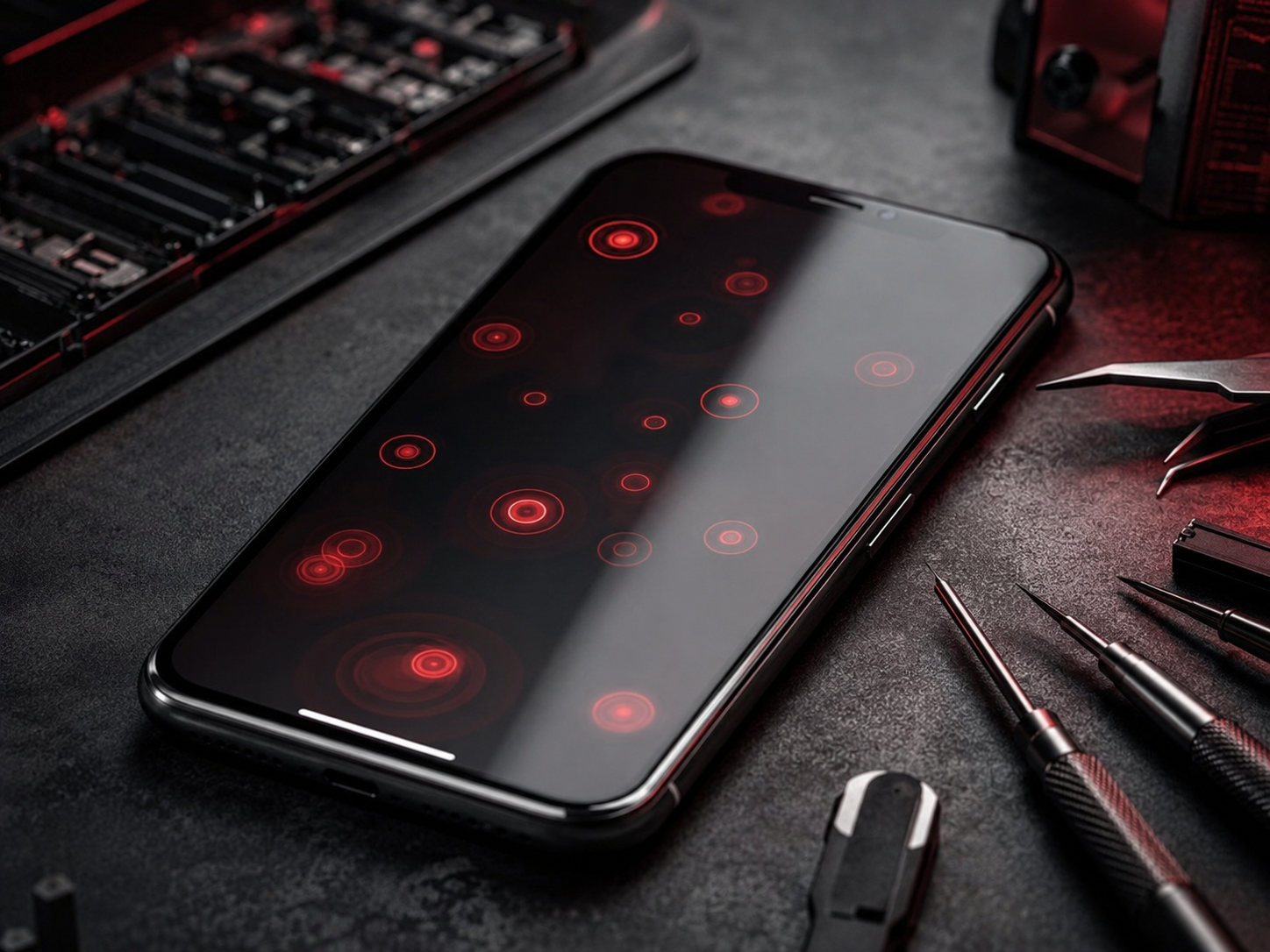
iPhone Ghost Touch: Why It Happens and When to Seek Professional Repair
PUBLISHED
May 20, 2026
LAST UPDATED: Aug 25, 2026
Written by FoneWorld UK Editorial Team
Device repair experts with 10+ years of experience across 16 UK locations
Stop Ghost Touches: Fix Your iPhone Screen
Is your iPhone screen tapping, swiping, or opening apps by itself? This frustrating issue, known as ghost touch, makes your device nearly unusable. Before you panic about repair costs, learn what causes it, which safe fixes you can try at home, and exactly when it’s time to seek professional help.
01. What Causes iPhone Ghost Touch?
Ghost touch occurs when your iPhone’s screen registers touch input without you actually touching it. This is usually caused by:
-
Physical damage to the screen or digitizer
-
Loose or corroded screen connectors
-
Water damage affecting the display circuitry
-
Faulty third-party screen replacements
-
Software glitches (less common but possible)
This issue often starts subtly—maybe a random tap here or there—but can quickly escalate to constant, uncontrollable screen activity that prevents normal use.
02. Safe First Steps to Try at Home
If ghost touch just started, try these safe troubleshooting steps before assuming you need a repair:
- 1Clean your screen thoroughly with a microfiber cloth. Oils, dirt, or moisture can sometimes interfere with touch sensitivity.
- 2Remove any screen protector or case. Poorly fitted accessories can press on the screen edges and trigger false touches.
- 3Restart your iPhone. This can clear temporary software glitches affecting the touchscreen.
- 4Update to the latest iOS version. Apple often releases fixes for touchscreen-related bugs.
- 5Test in safe mode (if available) or check if the issue occurs only with specific apps.
If the ghost touch stops after these steps, monitor it for 24 hours. If it returns, proceed to additional troubleshooting.
03. Additional Practical Home Troubleshooting
If basic steps didn’t work, try these more involved but still safe approaches:
-
Backup your iPhone and perform a factory reset. This rules out deep software issues.
-
If you’re comfortable, check if the screen connectors are loose (requires opening the device—only attempt if you have experience).
-
Try using the device without any accessories plugged into the Lightning port, as electrical interference can sometimes cause touch issues.
Important: If you notice any screen discoloration, cracks, or liquid residue, skip further home attempts and seek professional repair immediately to avoid causing more damage.
04. What NOT to Do
Avoid these common mistakes that can worsen ghost touch or damage your iPhone further:
-
Using adhesives or tapes to “hold down” the screen
-
Applying excessive pressure to the screen edges
-
Using heat guns or hair dryers to “fix” the issue
-
Continuing to use the device heavily when ghost touch is severe (can lead to accidental data loss or unwanted actions)
05. When It Is No Longer an At-Home Fix
Stop attempting home fixes and book professional repair if you notice:
-
Ghost touch persists after factory reset and cleaning
-
The screen is physically cracked, chipped, or showing liquid damage
-
Touch issues spread to other areas of the screen or become constant
-
You see unusual colors, lines, or flickering accompanying the ghost touch
-
The issue started after water exposure, even if it seemed minor
At this point, the problem is likely hardware-related—damage to the digitizer, screen connectors, or internal components that require professional tools and expertise to fix properly.
Ready to fix your ghost touch issue?
DON’T LET GHOST TOUCH CONTROL YOUR IPHONE
ISSUE STILL PERSISTS? TAKE A SCREENSHOT OF THIS MESSAGE AND COME TO ANY NEARBY STORE TO GET AN EXCLUSIVE 10% DISCOUNT ON YOUR REPAIR! 😉
Industrial Security
All repairs monitored by level 4 security protocols. No data leakage guaranteed.
Certified Tech
Hardware authorization verified. Only OEM-grade components utilized in this mission.