
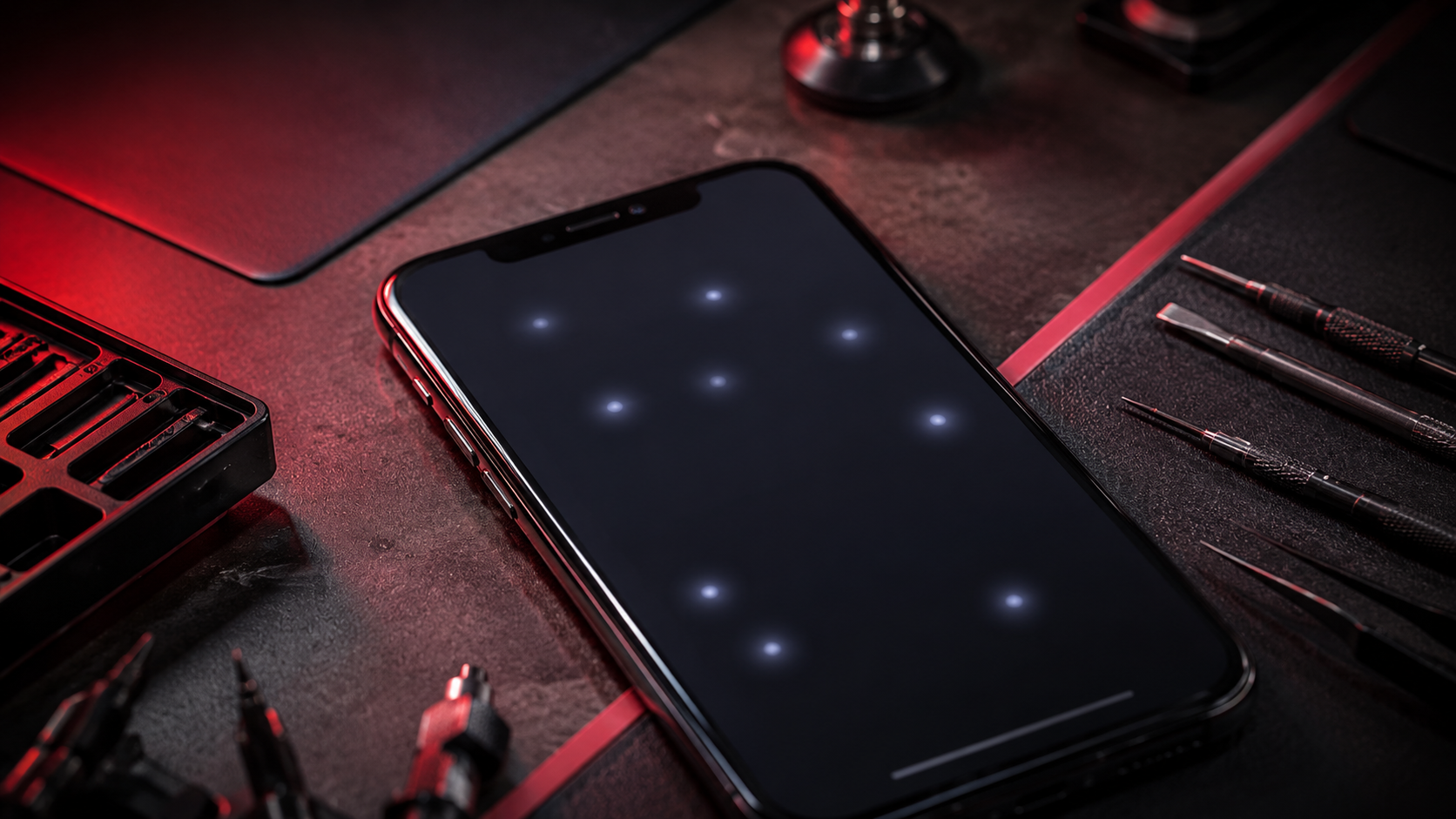
iPhone Ghost Touch? Safe Fixes Before Screen Replacement
PUBLISHED
May 18, 2026
Written by FoneWorld UK Editorial Team
Device repair experts with 10+ years of experience across 16 UK locations
IPHONE TOUCHING BY ITSELF? DO NOT IGNORE GHOST TOUCH — TRY SAFE FIXES BEFORE THE SCREEN GETS WORSE.
If your iPhone is opening apps by itself, typing random letters, swiping without you touching it, or tapping buttons on its own, you are likely dealing with ghost touch. This can be caused by a software glitch, pressure from a case or screen protector, moisture, screen damage, or a failing display assembly.
Some ghost touch issues can be checked safely at home before booking repair. But if the problem started after a drop, liquid exposure, cracked screen, screen replacement, or pressure damage, it may need a proper diagnostic or screen replacement.
Need your iPhone screen checked properly? Start your repair with FoneWorld UK before ghost touch makes the phone harder to use.
START REPAIR01. WHY IPHONE GHOST TOUCH HAPPENS
Ghost touch happens when your iPhone screen registers touches that you are not making. The phone may act like someone is tapping it, scrolling it, or typing on it. This can make normal use frustrating and can even stop you from unlocking the phone properly.
The cause can be simple, like a dirty screen or badly fitted screen protector. But it can also be physical, especially if the iPhone has been dropped, repaired badly, exposed to moisture, or has a damaged display layer.
If your iPhone is tapping by itself after a drop or cracked screen, stop pressing hard on the display. Pressure can make touch faults worse.
02. SAFE FIRST STEPS TO TRY AT HOME
Before booking a screen repair, start with safe checks that do not involve opening the iPhone. These steps can help rule out dirt, accessories, temporary software glitches, or pressure around the display edge.
- 1 Clean the screen with a soft dry cloth
- 2 Remove the screen protector if it is cracked or lifting
- 3 Remove the phone case and test again
- 4 Restart the iPhone
- 5 Back up your data while the phone is still usable
A tight case or cracked screen protector can sometimes press against the display and cause false touches. If removing these fixes the problem, you may not need a screen replacement. If ghost touch continues, the fault is more likely inside the display system.
Quick check: if your iPhone keeps tapping by itself even with no case and no screen protector, the issue is probably not just an accessory problem.
03. TRY A RESTART AND SOFTWARE CHECK
If the screen is not cracked and the ghost touch started suddenly, restart the phone first. A temporary software issue can sometimes cause strange touch behaviour, especially after an app crash, update problem, or heavy background activity.
If the iPhone works well enough to use, check for an iOS update. Also delete any suspicious apps or recently installed apps that started causing problems. If the phone keeps opening apps by itself while you are trying to update or back up, stop and get the screen checked.
Software checks are worth trying, but they will not fix cracked glass, pressure damage, liquid damage, or a failing touch layer.
04. ADDITIONAL PRACTICAL HOME TROUBLESHOOTING
If ghost touch keeps happening, pay attention to when it starts. The pattern can help you understand whether the issue is linked to charging, heat, moisture, pressure, or screen damage.
- Check if ghost touch happens only while charging
- Try a different charging cable and plug
- Keep the screen dry and free from moisture
- Check for cracks, lifted edges, flickering, or display lines
If ghost touch only happens while charging, the charger or charging system may be involved. If it happens all the time, especially after a drop or screen damage, the display assembly may need repair.
Still unsure whether it is the charger, screen, software, or internal display fault? Get support before the iPhone becomes unusable.
GET SUPPORT05. WHAT NOT TO DO
Ghost touch can make people panic because the phone feels out of control. But aggressive fixes can make the screen damage worse. Avoid risky tricks that put the display, frame, or internal connectors under more stress.
- Do not press hard on the screen to stop random taps
- Do not bend the phone to test the display
- Do not heat the screen with a hairdryer
- Do not keep using it if the glass is cracked or lifting
- Do not ignore ghost touch if it opens private apps or messages
If your iPhone is opening apps, typing, or tapping without control, back up your data if possible and get the fault checked before the screen fails completely.
06. WHEN IT IS NO LONGER AN AT-HOME FIX
Ghost touch is no longer practical to handle at home when it continues after cleaning, restart, case removal, screen protector removal, and software checks. It is also a stronger repair sign if the issue started after a drop, liquid contact, screen crack, or previous repair.
You should book a diagnostic or screen replacement if the iPhone keeps tapping randomly, has dead touch areas, flickers, shows display lines, has cracked glass, or becomes difficult to unlock. These signs usually point toward a display or touch-layer fault.
At this point, repeated home fixes are unlikely to solve the real fault. A proper iPhone screen diagnostic can identify whether the problem is display damage, touch-layer failure, connector trouble, or another internal issue.
07. BOOK IPHONE GHOST TOUCH REPAIR WITH FONEWORLD UK
Ghost touch is not just annoying. It can stop you from typing passwords, answering calls, using banking apps, sending messages, or controlling the phone properly. If the screen is acting on its own, waiting too long can make the phone harder to use and harder to back up.
FoneWorld UK can help inspect iPhone ghost touch, cracked screens, touch faults, flickering displays, green lines, and impact-related screen damage. If the safe checks do not work, book your repair and get the screen handled properly.
IPHONE STILL TAPPING BY ITSELF? STOP FIGHTING THE SCREEN.
START YOUR REPAIR NOWISSUE STILL PERSISTS? TAKE A SCREENSHOT OF THIS MESSAGE AND COME TO ANY NEARBY STORE TO GET AN EXCLUSIVE 10% DISCOUNT ON YOUR REPAIR! 😉
FIND YOUR NEAREST STOREIndustrial Security
All repairs monitored by level 4 security protocols. No data leakage guaranteed.
Certified Tech
Hardware authorization verified. Only OEM-grade components utilized in this mission.