
iPhone Screen Not Responding After a Drop? Safe Fixes Before Screen Replacement
PUBLISHED
May 14, 2026
IPHONE SCREEN NOT RESPONDING AFTER A DROP? TRY THE SAFE CHECKS FIRST — BUT DO NOT KEEP PRESSING A DAMAGED DISPLAY.
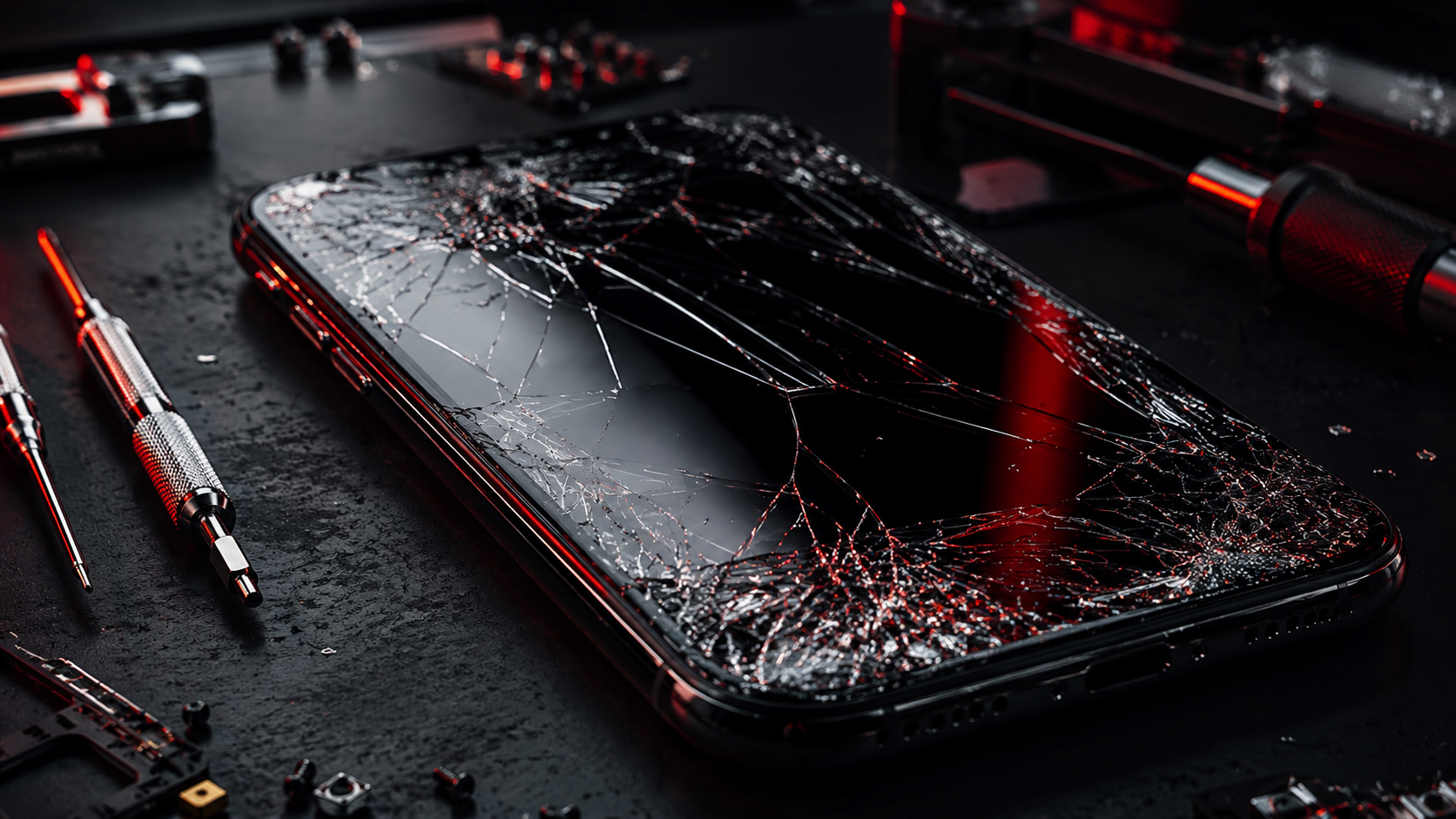
If your iPhone screen is not responding after a drop, starts ghost touching, shows lines, has black patches, or only works in certain areas, the problem may be more than a small glitch. It could be a damaged display, loose screen connection, cracked digitiser, faulty touch layer, or impact damage inside the phone.
Some screen issues can be checked safely at home before booking repair. But if the display is cracked, flickering, leaking colour, or the touch is unreliable, forcing the screen can make the problem worse and put your data access at risk.
Need your iPhone screen checked properly? Start your repair with FoneWorld UK and get the fault diagnosed before the display gets worse.
START REPAIR01. WHY YOUR IPHONE SCREEN MAY STOP RESPONDING
An iPhone screen can stop responding after impact because the touch layer, display panel, screen connector, or internal frame may have been affected. Even if the glass looks only slightly cracked, the touch sensor underneath can still be damaged.
Sometimes the issue appears immediately after the drop. Other times, the screen may work for a few hours before touch problems, flickering, vertical lines, black spots, or delayed response starts. That usually means the damage is getting worse or the display connection is unstable.
If your iPhone screen is cracked, lifting, showing lines, or touching by itself, stop pressing hard on the display. Pressure can make screen damage spread.
02. SAFE FIRST STEPS TO TRY AT HOME
Before booking a screen replacement, try these safe checks. They do not require opening the iPhone and can help rule out simple software or accessory-related problems.
- 1 Remove the screen protector if it is cracked or lifting
- 2 Clean and dry the screen with a soft cloth
- 3 Restart the iPhone
- 4 Remove the case and check for edge pressure
- 5 Back up your data if the screen still works sometimes
A cracked or badly fitted screen protector can sometimes interfere with touch. A tight case can also press against the display edge. If removing these makes the screen work normally again, you may have avoided a repair. If not, the issue is more likely with the iPhone screen itself.
Quick check: if the touch works only in some areas, or the screen responds randomly, it is probably not just dirt or a screen protector.
03. TRY A FORCE RESTART IF THE SCREEN IS FROZEN
If the iPhone screen is frozen but not physically cracked, a force restart may help. This can clear temporary software glitches without deleting your data. It is worth trying if the phone still turns on but the display is stuck or touch is not responding.
For many newer iPhone models, press and quickly release Volume Up, press and quickly release Volume Down, then hold the Side button until the Apple logo appears. If the screen starts working again, watch the phone closely to see if the problem returns.
A force restart can help a frozen iPhone, but it will not repair cracked glass, damaged touch layers, display lines, black patches, or impact damage.
04. ADDITIONAL PRACTICAL HOME TROUBLESHOOTING
If the iPhone screen still responds badly after the first checks, look for patterns. The way the screen fails can tell you whether the problem is likely software-related or physical display damage.
- Check whether touch fails only in one area
- Look for lines, flickering, black spots, or colour bleeding
- Update iOS if the screen works well enough to do it safely
- Connect to a computer and back up important data
If the screen works sometimes but fails again after movement, pressure, or locking the phone, the display connection or screen assembly may be damaged. If you see lines or dark marks after a drop, that usually points toward screen replacement rather than a quick home fix.
Still unsure whether it is software, screen damage, or internal impact damage? Get support before the screen fully fails.
GET SUPPORT05. WHAT NOT TO DO
A damaged iPhone screen can get worse quickly if you keep pressing, bending, heating, or trying risky DIY fixes. The goal is to protect the screen, protect your fingers, and protect your data.
- Do not press hard on dead touch areas
- Do not use glue on cracked glass
- Do not heat the screen to make it respond
- Do not ignore glass lifting from the frame
- Do not keep using the phone if glass shards are exposed
If the screen is cracked and touch is unreliable, the safest move is to stop forcing it and arrange a proper screen repair before the display fails completely.
06. WHEN IT IS NO LONGER AN AT-HOME FIX
The issue is no longer practical to handle at home when the screen is cracked, touch only works in some areas, the display shows lines, the glass is lifting, or black patches are spreading. These are usually physical screen problems, not normal software glitches.
You should book a diagnostic or screen replacement if the iPhone responds randomly, opens apps by itself, fails to type correctly, flickers after a drop, or becomes difficult to unlock. Waiting too long can make it harder to access your data later.
At this stage, guessing will not fix the display. A proper screen repair can restore usable touch, improve visibility, and help you regain normal access to your phone.
07. BOOK IPHONE SCREEN REPAIR WITH FONEWORLD UK
A faulty iPhone screen is more than a cosmetic problem. If the display is not responding properly, you may lose access to messages, banking apps, work tools, photos, maps, and two-factor authentication when you need them most.
FoneWorld UK can help check cracked screens, unresponsive touch, ghost touch, display lines, black patches, and screen damage after a drop. If the safe checks do not work, book your repair and get the screen inspected properly.
SCREEN STILL NOT RESPONDING? STOP PRESSING. START THE REPAIR.
START YOUR REPAIR NOWISSUE STILL PERSISTS? TAKE A SCREENSHOT OF THIS MESSAGE AND COME TO ANY NEARBY STORE TO GET AN EXCLUSIVE 10% DISCOUNT ON YOUR REPAIR! 😉
FIND YOUR NEAREST STOREIndustrial Security
All repairs monitored by level 4 security protocols. No data leakage guaranteed.
Certified Tech
Hardware authorization verified. Only OEM-grade components utilized in this mission.