
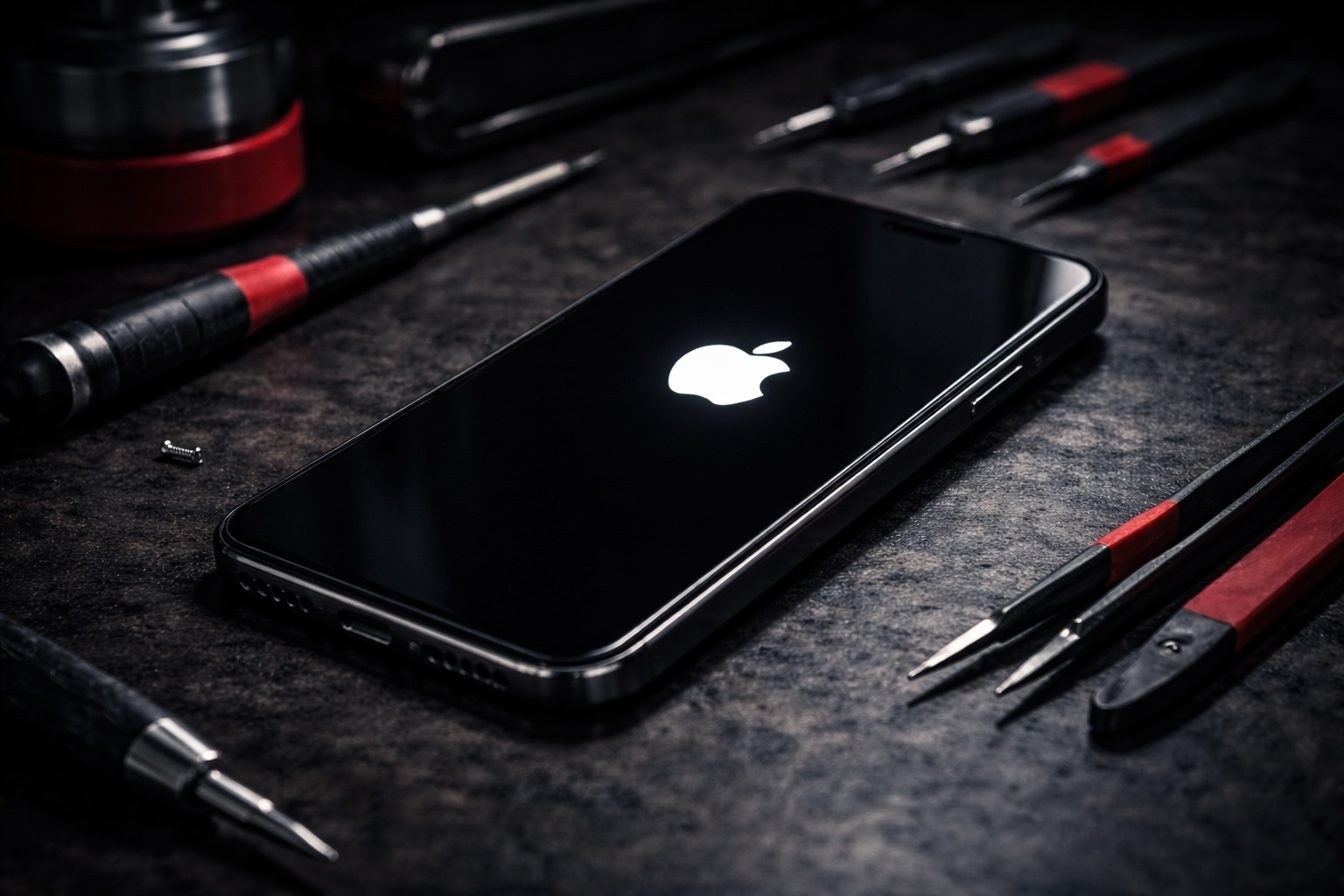
iPhone Stuck on Apple Logo? What to Do at Home Before You Pay for Repair
PUBLISHED
April 12, 2026
IPHONE STUCK ON THE APPLE LOGO? HERE’S WHAT YOU CAN TRY AT HOME BEFORE YOU SPEND MONEY ON A REPAIR.
An iPhone stuck on the Apple logo is one of the most frustrating problems because the phone looks alive, but never fully starts. You cannot use it properly, access your apps, or know whether the issue is minor or serious.
The good news is that some boot-loop and startup issues can be fixed at home. The important part is doing the right things in the right order — and avoiding the mistakes that can make recovery harder.
Still stuck after trying the safe fixes?
START REPAIR01. WHY AN IPHONE GETS STUCK ON THE APPLE LOGO
This problem usually happens when the phone cannot complete startup properly. That can happen after a failed update, low storage issues, corrupted system files, restore errors, or internal hardware faults.
NOT EVERY APPLE LOGO STUCK ISSUE IS SERIOUS. SOME ARE SOFTWARE PROBLEMS THAT CAN BE RESOLVED AT HOME.
02. FIRST THING TO TRY: FORCE RESTART THE IPHONE
Before doing anything more advanced, try a force restart. This is the fastest safe fix and sometimes clears a temporary startup freeze immediately.
- 1 Quickly press and release volume up
- 2 Quickly press and release volume down
- 3 Press and hold the side button until the Apple logo reappears
If the phone boots normally after this, the problem may have been temporary. If it returns to the stuck logo again, continue with the next steps.
03. CHARGE IT PROPERLY BEFORE ASSUMING THE WORST
A weak battery or unstable power during startup can make the issue look worse than it is. Plug the iPhone into a known good charger and leave it for a while before trying again.
- Use a reliable charging cable
- Use a proper wall adapter, not a weak USB source
- Leave it charging for at least 20 to 30 minutes
DO NOT PANIC AND KEEP MASHING BUTTONS. LOW POWER PLUS REPEATED RESTARTS CAN MAKE TESTING MORE CONFUSING.
04. TRY RECOVERY MODE IF THE PHONE STILL WILL NOT START
If a force restart does not work, recovery mode is the next at-home step. This can help reinstall or repair iOS without immediately assuming the phone needs hardware work.
You will need a computer and a cable. Put the iPhone into recovery mode, connect it, and use Finder or iTunes to attempt an update first before considering a restore.
IF YOUR DATA IS IMPORTANT, DO NOT RUSH INTO A FULL RESTORE WITHOUT THINKING IT THROUGH.
Tried recovery mode and it still will not boot?
BOOK A DIAGNOSTIC05. WHAT NOT TO DO AT HOME
A lot of people make the problem worse by trying random internet “fixes” with no real logic behind them.
- Do not use unknown repair tools or shady software
- Do not keep force restarting it endlessly for an hour
- Do not open the phone unless you know exactly what you are doing
- Do not restore blindly if you have important unsaved data
Safe troubleshooting is about narrowing down the problem, not gambling with the device.
06. WHEN IT IS NO LONGER AN AT-HOME FIX
Sometimes the Apple logo problem is not software at all. If the phone was dropped, exposed to liquid, overheats badly, or fails every recovery attempt, the issue may be internal.
- Recovery mode update fails repeatedly
- Phone restarts again and again after boot attempt
- Device recently had water damage or impact damage
- Phone gets unusually hot during startup
That is the point where professional diagnosis saves time and prevents further mistakes.
TRIED THE SAFE HOME FIXES AND IT STILL WON’T BOOT? GET IT CHECKED PROPERLY BEFORE IT GETS WORSE.
START YOUR REPAIR NOWIndustrial Security
All repairs monitored by level 4 security protocols. No data leakage guaranteed.
Certified Tech
Hardware authorization verified. Only OEM-grade components utilized in this mission.